KNX Secure
KNX Secure protects your bus with keys, and bussard can only operate a secured device while it holds that device's keys. This page explains what is secured, where the keys live, and how to keep them safe.
Two kinds of security
KNX Data Secure encrypts and authenticates telegrams end to end, device to device. A device with Data Secure ignores plain management and plain telegrams on its secured group addresses. bussard talks to it over Data Secure, with keys from the key store.
KNXnet/IP Secure protects the link between bussard and the IP interface. A secure-only interface accepts a tunnel only from a tunnelling user (a user id and password the interface knows), and each of its connection slots belongs to one user. With the key store, bussard picks a user whose slot is free.
The two are independent. On a secure-only interface every command needs the keys, if only to open the tunnel. A device the key store does not list is then managed in the clear through the encrypted tunnel, as through a plain interface.
The keys a secured installation has
| Key | What it does |
|---|---|
| Tool key | the per-device key bussard and ETS use to manage a Data Secure device |
| Factory key (FDSK) | the key the device ships with, printed on its certificate; a factory reset returns the device to it |
| Group key | the key of one secured group address, shared by every device on it |
| Tunnelling user and password | opens a KNXnet/IP Secure tunnel |
| Device authentication code, management password | the IP interface's own credentials |
| Backbone key | secures routing on the IP backbone, which bussard does not implement |
Secured means ETS has switched Data Secure on
A device is secured once ETS has turned Data Secure on and written its tool
key and sending sequence number. bussard operates secured devices but never
secures, re-keys or unsecures one; securing a device from its certificate is
not implemented. Keep those steps in ETS. KNXnet/IP Secure of an IP
interface is the exception: bussard interface secure on|off switches it
with the key store's credentials.
A secured device answers a plain identity read with mask FFFF. A device
whose device file says security.activated: true (the key for secured) is
never tried in the clear: without its keys the command refuses before
anything is sent. A device your project does not mark secured, but that is
secured on the bus, refuses the plain access, and the command tells you to
export a current keyring from ETS.
The key store holds every key
bussard.keys in your project folder is bussard's own copy of the key
material: the backbone key, the tunnelling users and passwords, the
interfaces' authentication codes, every device's tool key, serial number,
factory key, management password and authentication code, and the group keys. Anyone
who can decrypt it can manage every secured device and read and forge every
secured telegram.
- It is encrypted and signed like an ETS
.knxkeys, with the password inBUSSARD_KEYRING_PASSWORD(the variable keeps the older word). Its protection is exactly the password's strength, so choose it accordingly. A wrong password or a hand edit fails the load rather than yielding wrong keys. - It is committed on purpose, so
git checkoutrestores the project and its keys together. A repository that holds it is only as private as the password. - The password is never a flag, and bussard never writes it anywhere.
- No key leaves in the clear.
keys show,keys importand their--jsonprint addresses, counts and presence flags only, and logs redact every key. - Every write is atomic and keeps the previous store as
bussard.keys.bakuntil the next successful write. Copy the.bakback to undo a bad import; it uses the same password. - Sequence counters are not stored. bussard seeds its send sequence from the clock, so restoring an old store never replays a sequence a device has already accepted.
bussard keys import writes the store, and so do import and init, which
merge the .knxkeys next to the ETS project when the password is set. Every bus
command reads the store unless --keyring or BUSSARD_KEYRING names a file.
connection.keyring in bussard.toml is deprecated and ignored, with a
warning, when a store exists.
A keyring export is a copy
A keyring export (.knxkeys) is the file ETS writes and Home Assistant or a
visualisation loads. bussard keys export writes one ETS accepts. Exports
are not committed: init lists *.knxkeys in the project's .gitignore.
Once the store changes, a consumer that loaded an older export encrypts with
keys the devices no longer use, or cannot read a newly secured address, and
nothing on the bus says why. bussard records the time of every store change
and every export in bussard.keys.meta.toml (paths and times only; commit it
with the store). bussard validate then warns about each export that still
exists and predates the last change, and, with [home_assistant] configured,
when no export is newer than that change. Re-export and load the file again;
the warning goes away.
After an address change of a Secure device, re-export from ETS too: the keyring lists tool keys by device address, and every later command looks the key up under the new address.
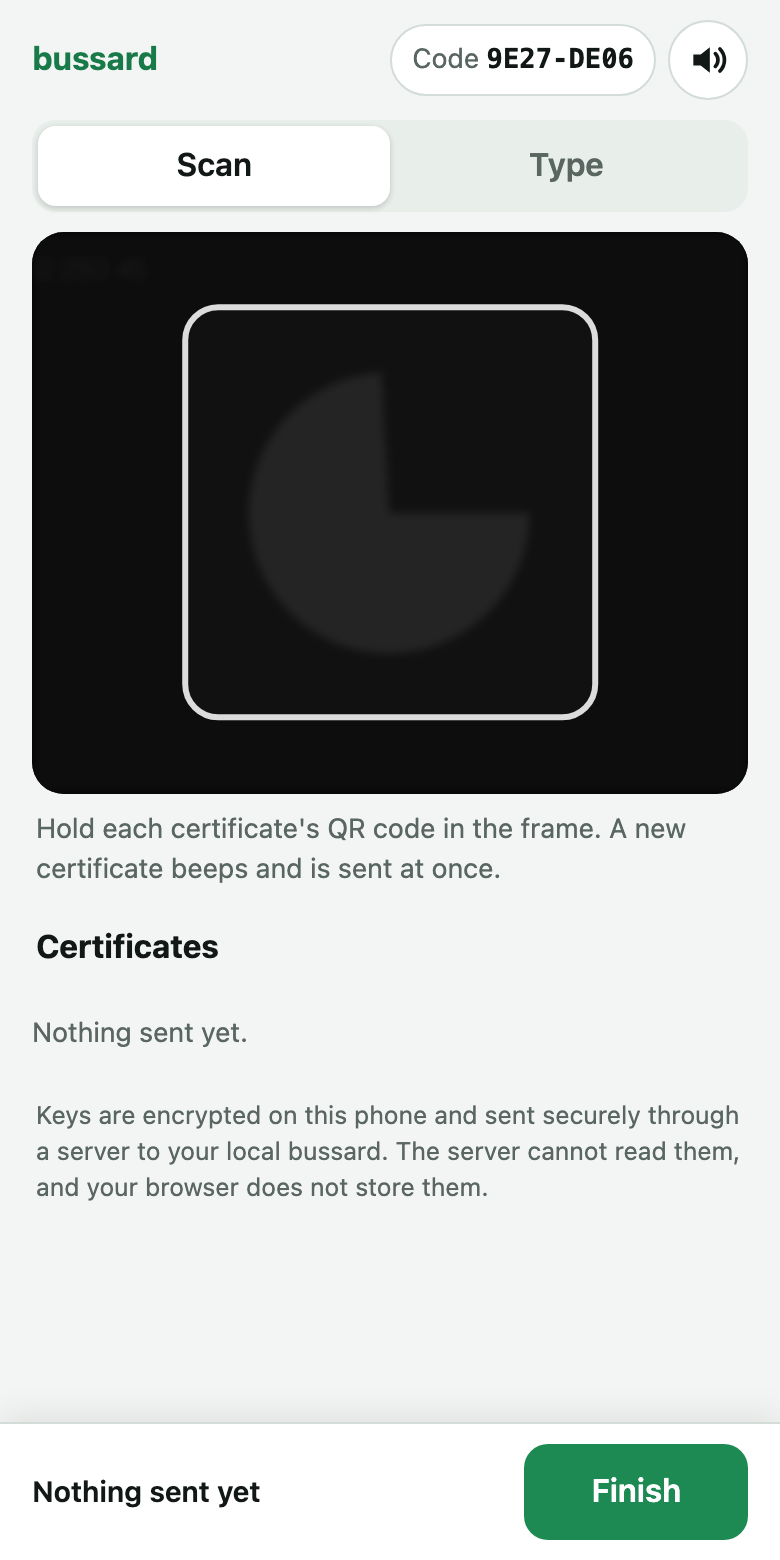
Certificate entry from a phone
Every Secure device ships with a certificate that carries its factory key.
bussard keys enroll takes these certificates from a phone camera into
the key store, so you never type or paste one. The MCP tool
knx_enroll_certificates runs the same session for the assistant: bussard
opens a pairing page in your browser with the session code, a QR code for
your phone and the certificates as they arrive, so the link never passes
through the assistant. If bussard cannot open a page (an SSH session, no
display), run bussard keys enroll in a terminal.
How a certificate travels. The phone reads the certificate, encrypts it on the phone and sends it to a relay. The relay forwards it to your bussard, which decrypts it, matches its serial number to a device and stores the key in the encrypted key store. The phone then shows what became of each certificate.
sequenceDiagram
  participant Phone
  participant Relay
  participant bussard
  participant Store as key store
  Phone->>Phone: scan the certificate,<br>encrypt it for this session
  Phone->>Relay: encrypted certificate
  Relay->>bussard: encrypted certificate
  bussard->>bussard: decrypt, match the serial<br>number to a device
  bussard->>Store: factory key, encrypted
  bussard-->>Relay: outcome: added, already known, no device yet
  Relay-->>Phone: outcome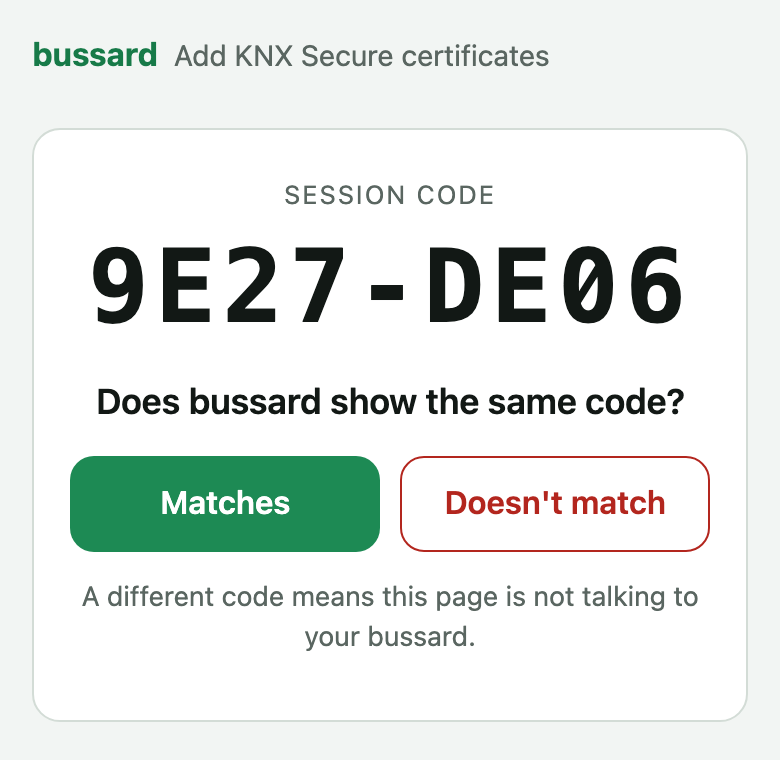
| Party | Sees |
|---|---|
| bussard | the certificates in plain text; it writes the key store |
| the page in the phone's browser | the certificates it scans, on the phone only |
| the server that hosts the page | a request for a static page; the session details in the link never reach it |
| the relay | encrypted messages, a session id and their timing; it cannot decrypt them |
| the assistant and the chat | the link, the session code, serial numbers, addresses and statuses; never a certificate's code or a key |
Scanning or typing. Scanning is the safer way in. When you type a code, the page turns off autocorrect, suggestions and autofill as far as the browser allows, but some keyboards may still learn typed text.
The link. The page removes the session details from the address bar as soon as it has read them, so the browser history and a synced browser never hold them. A reload in the same tab still finds the session; a new tab needs the link again. Before it asks for the camera, the page checks with the relay that the session still exists.
The session code. bussard creates a fresh key pair for each session and puts the public key in the link. bussard prints a session code derived from it, and the page shows the code it derives from the key it received. Check that both show the same code before you scan. A different code means the link was changed on its way to the phone: close the page and start again.
The hosted page and relay. By default the link opens
https://bussard-relay.tmbo.dev/enroll/, served by the hosted relay, and the
messages pass through that relay. The page talks to no other address.
Neither keeps a certificate: bussard deletes the session when it ends, and the
relay forgets it 15 minutes after the last message, or 4 hours after it
started. [enroll] in bussard.toml points both at your own copies;
bussard then says so before it shows the link.
One phone per session. The first phone that opens the link owns the session. Another phone that opens it is refused: nothing it sends is saved, its page says the session belongs to another phone, and bussard warns that another phone tried to join. If that was not you, someone else has the link: stop the session and start a new one.
How long a session lasts. A phone has 10 minutes to open the link. The session then stays open while the page is open, up to 4 hours, and ends 15 minutes after the last certificate if the page was closed or the phone locked. A phone that loses signal, switches networks or reloads the page comes back as the same phone: the page keeps its key for the session in the browser, where page script cannot read it, and deletes it when the session ends. While the connection is gone the page shows "Reconnecting…" and sends what is waiting once it is back.
Local mode. bussard keys enroll --local serves the page and the relay
from bussard itself on 127.0.0.1. Open the link in a browser on the same
computer and scan with its camera or type the codes. Nothing leaves this
machine, and a phone cannot reach that address.
At the end bussard says how many certificates were sent and how many
were added, have no device yet, were already known, are in conflict or
invalid, and lists the next steps that apply. A certificate whose device
your project does not have yet waits under its serial number; bussard scan or bussard adopt
reads the serial off the device and attaches the key. After new keys,
bussard keys export gives ETS or Home Assistant a current keyring.
Secrets and the .env file
bussard reads BUSSARD_* variables from one .env file: the first of
<project folder>/.env, the .env next to the project folder, and ./.env.
- The file stays out of git. Keep
BUSSARD_KEYRING_PASSWORD,BUSSARD_PROJECT_PASSWORDandBUSSARD_HA_TOKENthere only if.envis in.gitignore.bussard exportnever copies a.envinto a bundle. - No value is printed.
-vvand--timingname the file and the keys it applied, never a value. - Only
BUSSARD_*keys enter bussard, so a.envshared with other tools does not leak their secrets into bussard's process. - An export beats the file, even an empty one, so
BUSSARD_KEYRING_PASSWORD= bussard ...runs without a password. - A
.envnever opens the write gate.BUSSARD_ALLOW_REAL_GATEWAYin the file is ignored with a warning and dropped before anything reads it. A write to a real gateway still needs--allow-remote-gatewayor an exportedBUSSARD_ALLOW_REAL_GATEWAY=1.BUSSARD_GATEWAYfrom the file does select the gateway; reads go there, and writes to it stay gated. BUSSARD_NO_DOTENV=1, exported, skips the file for a hermetic run.
Validation reports a broken secured link before a write
bussard validate checks your project's secured devices and group addresses
against the store, so a broken link shows up before a write rather than after
one. It reports when:
- a device on a secured group address cannot run Data Secure, is not secured, or has no tool key in the store;
- the address's key is missing from the store, or its
secureflag, the store and the com-object flags disagree; the fix it names isbussard groups secure <ga> on|off; - a Secure sender has no sequence number recorded;
- a secured address only tunnel clients write has devices that admit no
tunnelling address. While
admit_tunnel_sendersis off, a write to it is refused: the devices would drop the telegram and the gateway's confirmation would hide that.
Diagnostics lists each code.
Next steps
- Use KNX Secure: import a keyring, open a secure tunnel, secure a group address.
- What each write command does: secured downloads, sender admission and interface switching.
- The key store file: the file format and its companion files.
- Environment: every variable and the
.envlookup.